vokse in your pocket, now on Android.
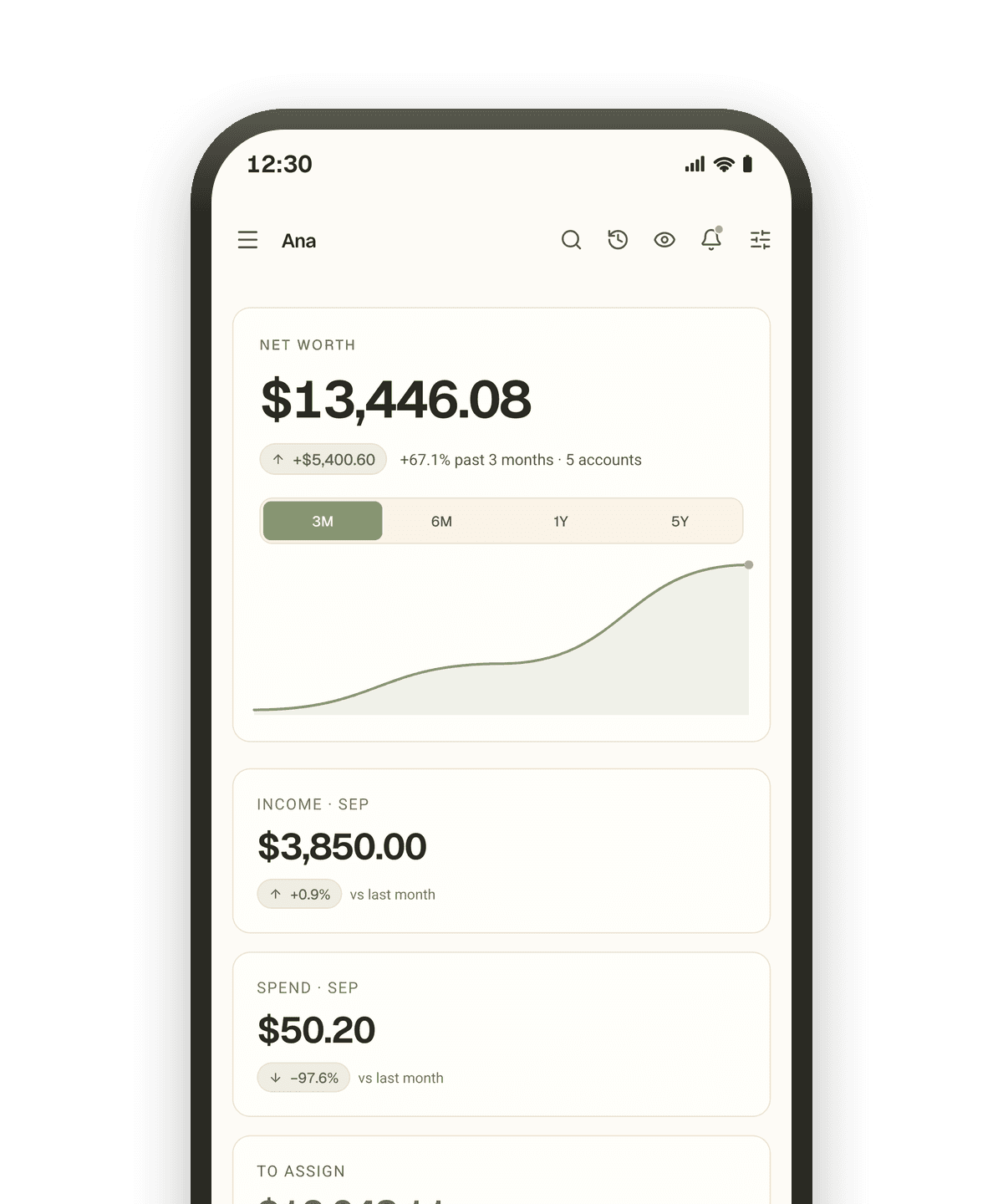
The Android app is on Google Play, built on the same audited tools as the web app. The iPhone app is in final testing and follows on the App Store. Everything else works in the browser today.
One account, every screen
The app is not a lighter copy. It talks to the same API, runs the same tools and shows the same household as the web app, the public API and the MCP server.
Same household
Same assistant
Same languages

What a phone adds
A few things are simply better with a camera, a microphone and a lock screen in your hand.
Receipts from the camera
Point the camera at a receipt and vokse reads the amount, the payee and the date for you to confirm.
Voice memos
Dictate what you just paid and it lands as a draft transaction to review.
Lock with your face or fingerprint
Balances disappear the moment you switch apps, and you can lock the app behind your face or fingerprint.
Three steps
From the store to your household
Install from Google Play
One tap from Google Play. It runs on the same tools and the same household as the web app, in your language.
Sign in, or create your household
Use the same account or passkey as the web app. New here? Create the household in the app and it is on the web too.
Carry on
Assign on the laptop, spend from the phone, both see it at once. On iPhone, keep using the web app until the App Store listing is live.
Download
Get vokse on your Android phone
The Android app is on Google Play today. Tap the badge, or scan the code with the phone in your hand, and sign in with the account you already have.
- Android
- On Google Play, in the six languages of the web app.
- iPhone
- In final testing. The App Store badge appears here the day the listing is live.
Install it, and carry on
Your household, your budget and your bank connections are already there. Sign in with the same account or passkey, no migration and no second account.